Product Overview
This page explains the features and operating principles of the BATCAM FX2. First, see what this device can detect.
What Is the BATCAM FX2?
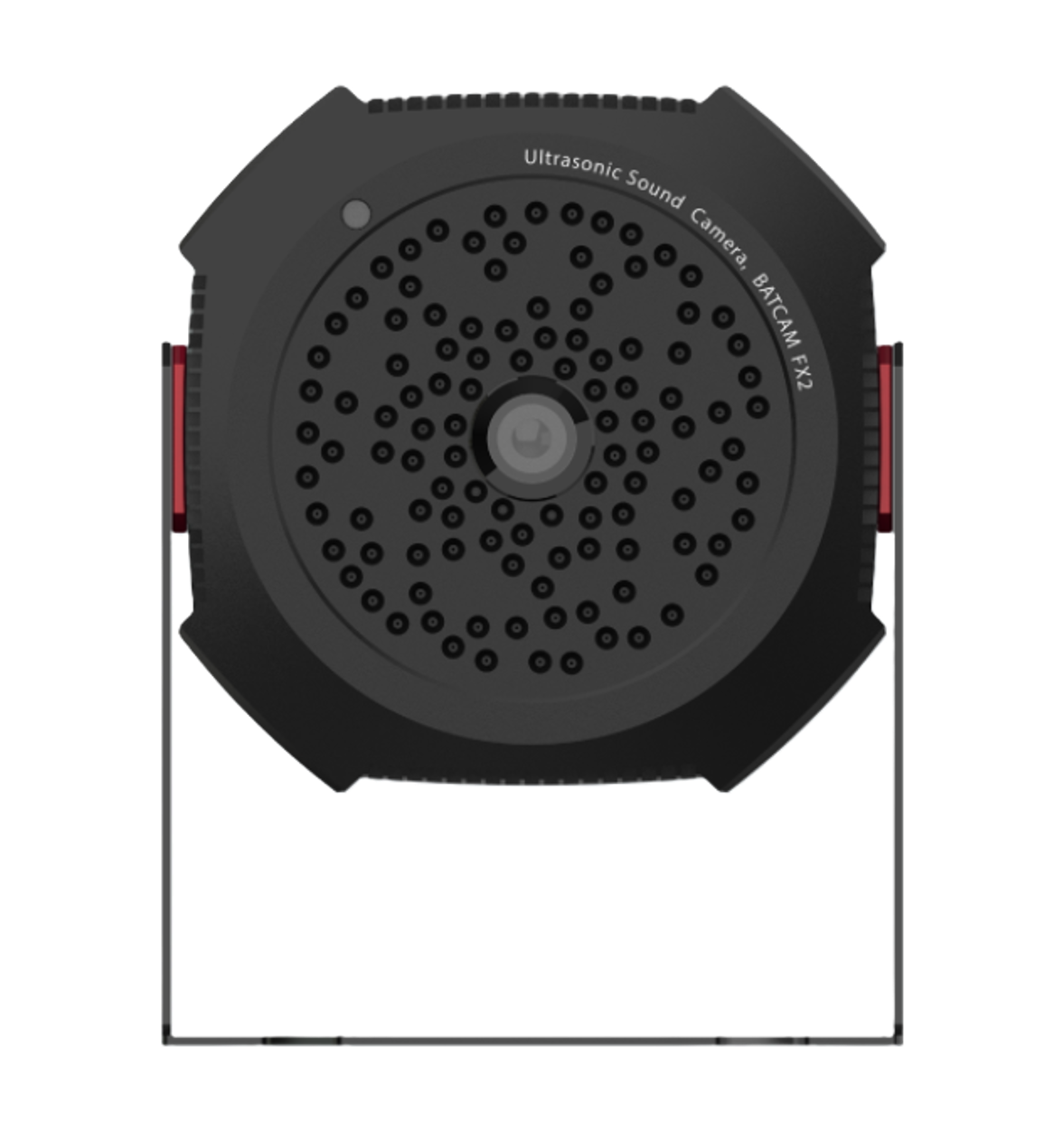
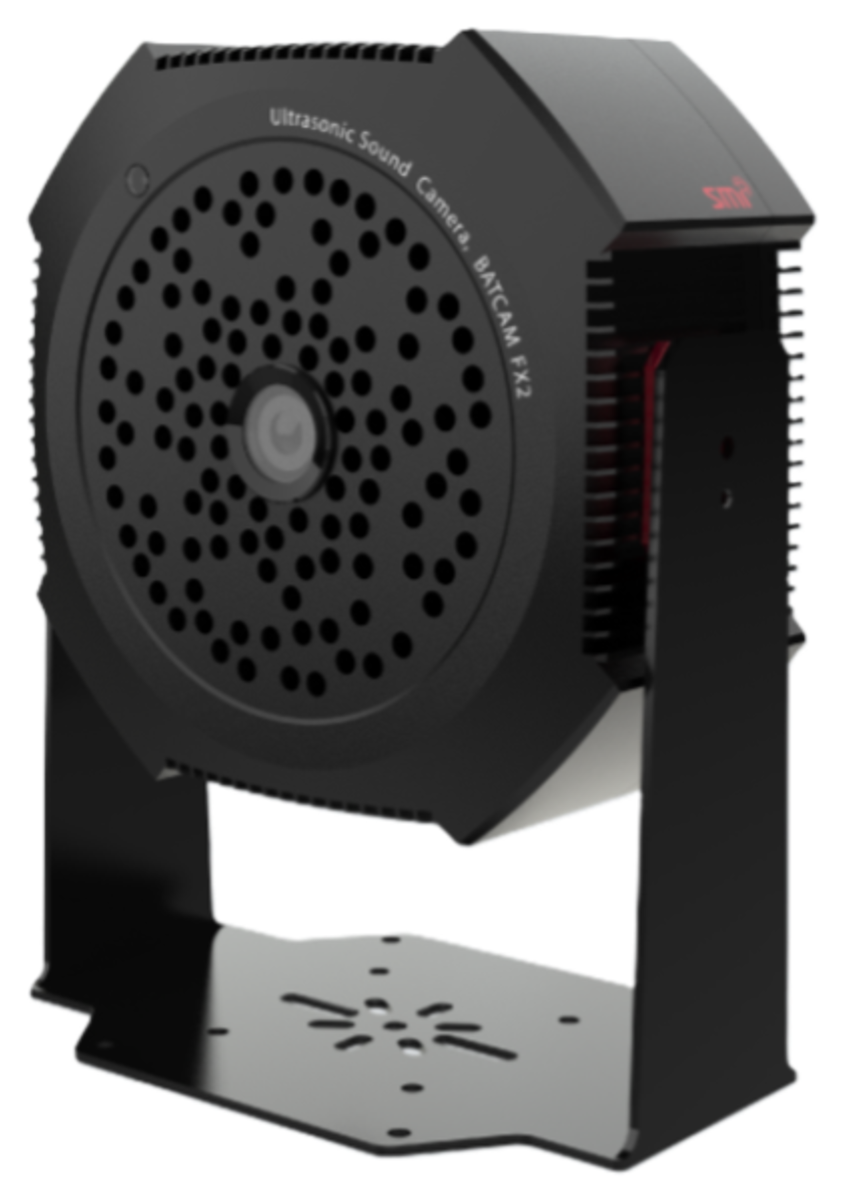
The BATCAM FX2 is a fixed ultrasonic camera that houses a 112-channel MEMS microphone array and a camera in a single enclosure. It measures sounds in frequencies beyond human hearing and displays their locations in color over the camera image. You can locate compressed-air and gas leaks and partial discharges on the screen.
Measurement, analysis, and AI classification are all processed on the device. Settings and results are accessed through Device Manager, the device’s built-in web interface. The title of the Device Manager screen is FX2 Device Management Console.
Key Features
- Microphones — 112 digital MEMS microphones receive sound simultaneously.
- Sampling — Each channel is sampled at 200 kHz and 24 bits.
- Beamforming — The FPGA processes signals from 112 microphones to determine the direction and intensity of incoming sound. The result is a 44 × 26-cell map rendered as a heatmap over the image.
- Device Manager — Access it through a web browser. No separate software is required.
- On-device AI — Leak AI and partial-discharge AI run on the device. Classification does not require a server connection.
- Ethernet ports — Two ports are provided: eth0 and eth1.
- Power — Uses PoE+ or DC input.
- Integration — Supports RTSP, ONVIF (some query operations), Modbus TCP, ROS 2, REST API, and WebSocket.
Applications
- Detecting compressed-air and gas leaks in pipes, valves, fittings, and tanks
- Detecting partial discharges in electrical equipment
- Continuous monitoring of equipment sounds
- Recording photos, video, and audio when an abnormal sound occurs
Detection Targets
- Leaks — Detects the sound of escaping compressed air and gas.
- Partial discharges — Detects electrical partial discharges and distinguishes their types (Corona, Floating, Surface).
For details, see AI Detection.
How It Works
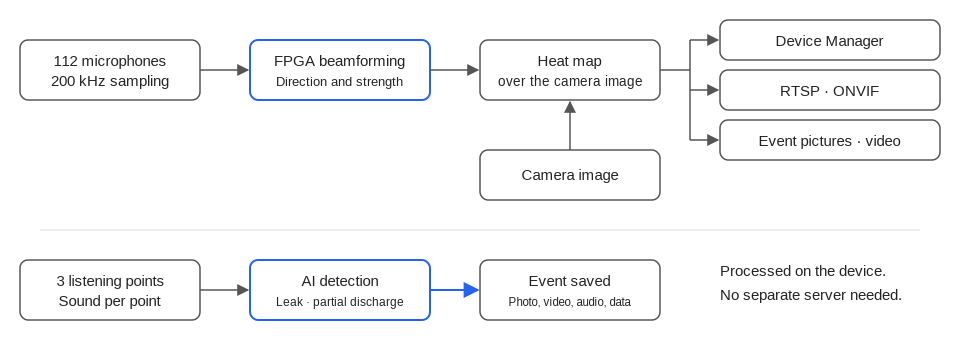
The 112 microphones receive sound simultaneously. The FPGA calculates the direction and intensity of incoming sound from the differences in arrival time between microphones. The result is overlaid in color on the camera image; redder colors indicate a higher level (dB). The composite image can be viewed in Device Manager and via RTSP.
The device separately captures sound at three listening points on the screen and classifies it using AI. When the conditions are met, it saves the photo, video, audio, and measurement data from that moment as an event.
For details, see Live Video and Beamforming.
Components
- Camera — Depending on the configuration, one of the following two models is installed. Check “Camera Model” on the Device Manager home screen.
- SMIA462 Wide — No focus adjustment mechanism.
- SMI3708 Wide — Supports focus adjustment.
- Two Ethernet ports — eth0 and eth1
- One rear function button — Press and hold for at least 3 seconds to start a factory reset.
- Status LED — Located on the front. Green means the device is measuring normally. Red means measurement has stopped for more than 2 seconds or the device is starting up.
- Rear LEDs — PWR LED and ETH LED. The ETH LED is normally off.